Know your Aadhaar Number / Enrolment ID
If you are one of those who have lost their Aadhaar number (UID) and/or enrollment id (EID) somehow, then UIDAI has given a chance to retrieve them online or at one of their centers by giving only a couple of your details and that too immediately and instantly.
Here’s how you can do that offline:
- Visit the nearest Permanent Aadhaar Enrolment Center. To know permanent centers in your city, visit appointments.uidai.gov.in/easearch.aspx
- Provide the relevant needed details like your name, date of birth and address along with your finger print to know your Enrolment ID.
- Using the Enrolment ID, they will provide you your e-Aadhaar.
Here’s how you can do that online:
- Visit resident.uidai.net.in
- Click on “Find UID/EID” button (direct link)
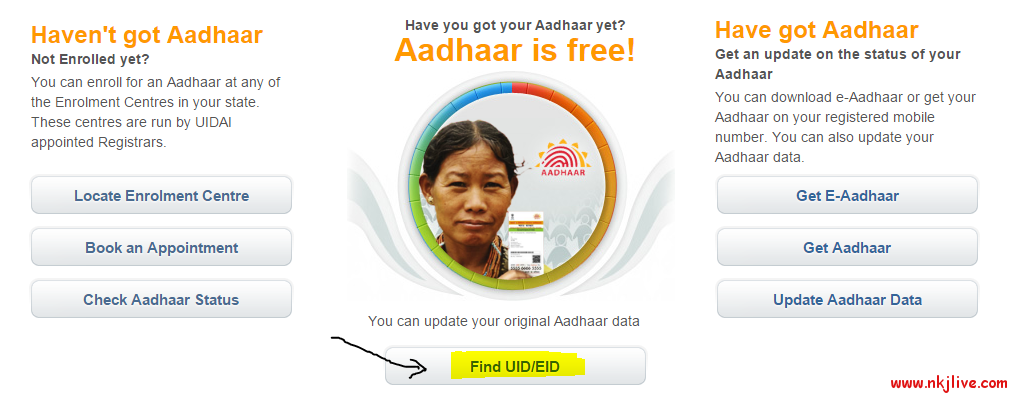
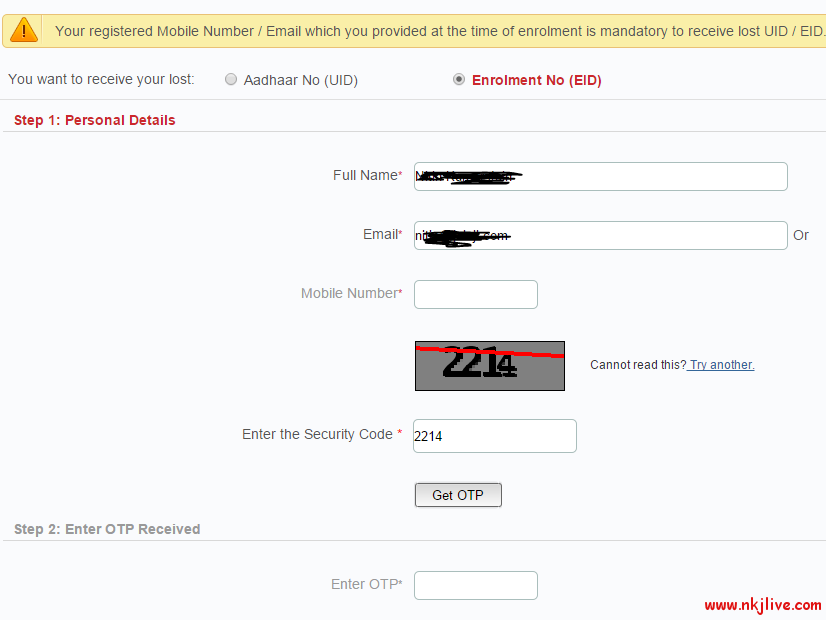
- Select one of the options from “You want to receive your lost” : Aadhaar No (UID) or Enrolment No (EID)
- Enter your Full Name, registered Email or Mobile number and the captcha and click on Get OTP. The email ID or mobile number should be the same as provided at the time of enrolment.
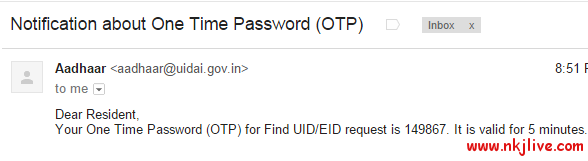
- You should receive the code on your mail or on your mobile number as SMS.
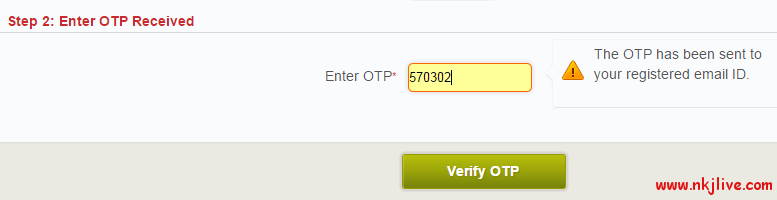
- Enter received OTP in the boxand click on “Verify OTP” button.
- If entries are correct, you should immediately receive the requested Aadhaar number or Enrolment ID on your email or phone number.
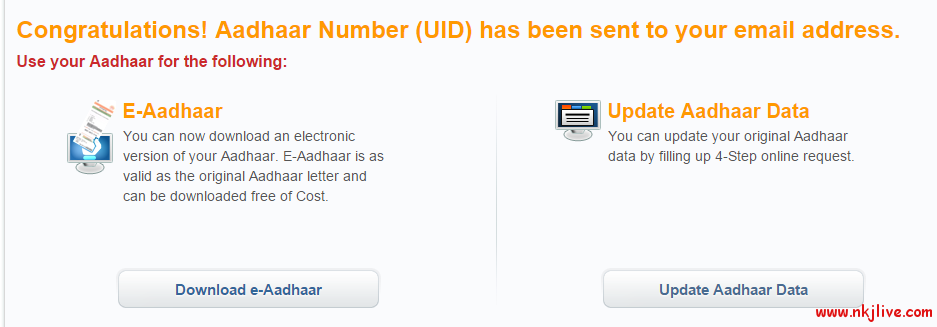

- Now you can even download and print Aadhaar card online.
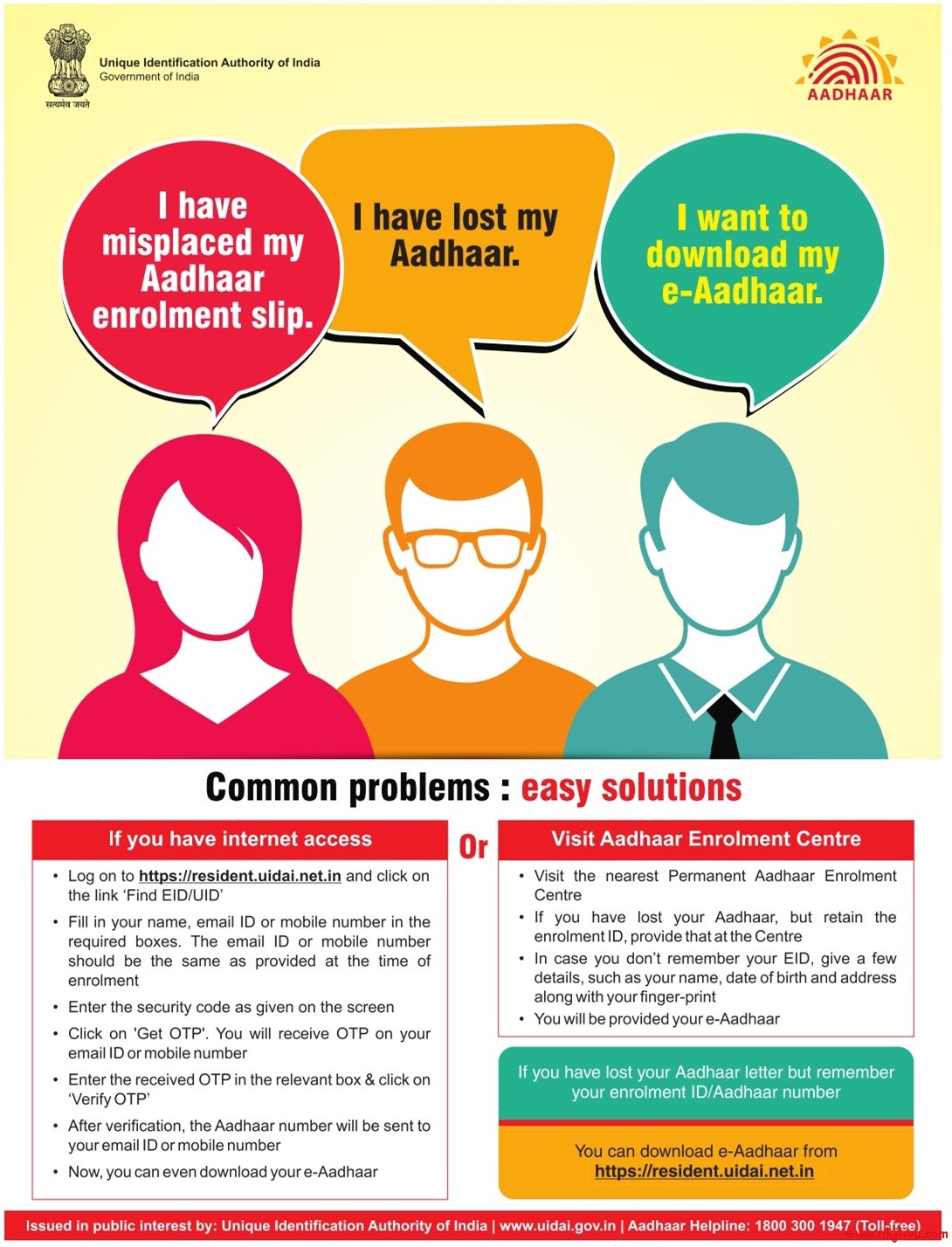
- Here’s the printed ad from UIDAI on the matter.